
All Canadian Online Advertising Portal
2 Options: FREE BASIC LISTING and LOW COST PREMIUM LISTING
Adding your Basic Listing:
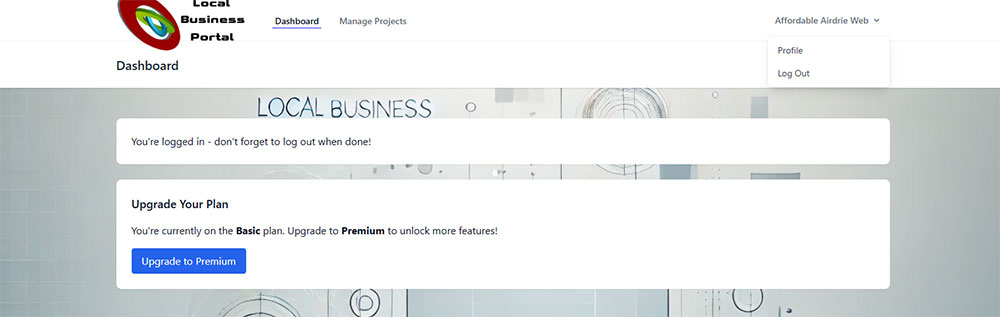
Once you have registered, click on any of the Register/Login buttons visible on our website and use the login credentials you have set up. Once you are in your "Dashboard", click on "Manage Projects" in the top menu bar".
When accessing for the first time, click on "New Project" (purple button on right)
FILLING OUT THE LISTING FORM
- Business Name: fill in the name under which you operate your business.
- Category: Click on the down arrow at the end of the line and choose the most appropriate category to represent your business.
- Subcategory: Click on the down arrow at the end of the line and choose the most appropriate subcategory under the category that you added above.
- Phone Business - add in one main phone number for your business.
- Website URL - add in your full website address (https://www.mywebsite.com) or a Facebook address if you don't have a website.
- Description - giving a general idea of what you offer in your business.
- Once your text has been uploaded, click on the "Update" button at the bottom of the page.
How To Edit Basic Listings
- After the initial information uploads, you can go back and change any text you had previously entered.
- Click on Manage Projects, which will open up the page you originally filled in.
- You can edit or add anything to your page.
- When done your changes, click on UPDATE.
- Make sure to click on your name in the upper right hand corner so that you can logout.